
Download Absolute HTML Compressor – HTML compressor, file size reduction, web performance, code optimization, web developer tool, HTML optimization, website speed
Overview
Absolute HTML Compressor is a specialized utility designed to streamline HTML documents by reducing their file size without compromising functionality. This tool serves as a practical solution for web developers and designers aiming to enhance website performance through code optimization. By targeting redundant spaces, unnecessary tags, and inefficient formatting, the application contributes directly to faster load times—a critical factor in modern web experiences. Its primary purpose is to automate the manual process of cleaning and compressing HTML code, enabling users to deliver leaner, more efficient web assets.
The app is tailored for technical users, particularly those involved in front-end development, site maintenance, or performance tuning. It addresses the common challenge of bloated HTML files caused by verbose formatting or outdated coding practices. Real-world use cases include optimizing landing pages, improving SEO rankings, and ensuring faster rendering on low-bandwidth connections. For developers managing multiple projects, this tool offers a quick way to maintain clean codebases and meet performance benchmarks.
Developed by Absolute Tools, the application has been available since 2006, indicating a long-standing presence in the developer toolkit ecosystem. Although the developer did not provide additional technical details, its continued relevance suggests reliability and consistent functionality. As part of the productivity category, Absolute HTML Compressor fills a niche role in the web development workflow, offering a lightweight, focused solution for a specific yet vital task.
Key Features & Functionality
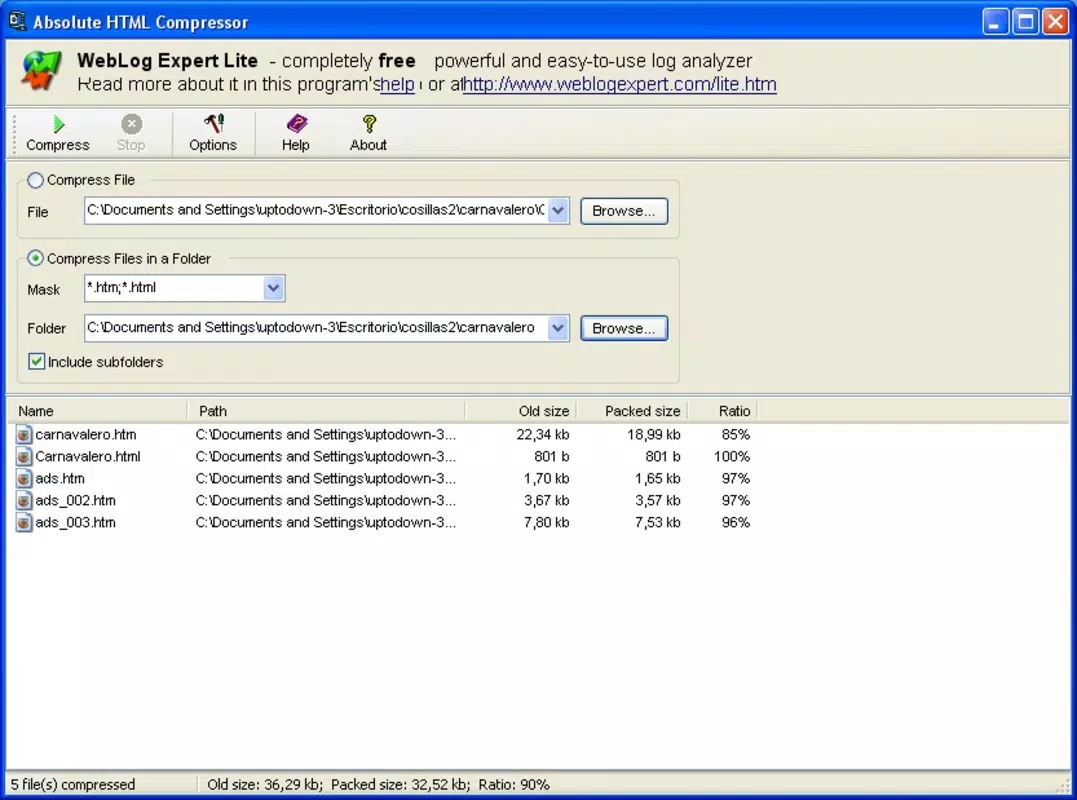
- File Size Reduction: The application analyzes HTML content and removes redundant elements, significantly decreasing file size. This directly supports faster page loading, which is essential for user retention and search engine rankings.
- Functionality Preservation: Unlike some compression tools that risk breaking code, Absolute HTML Compressor ensures that the operational integrity of the original HTML remains intact. This allows developers to optimize without fear of introducing bugs.
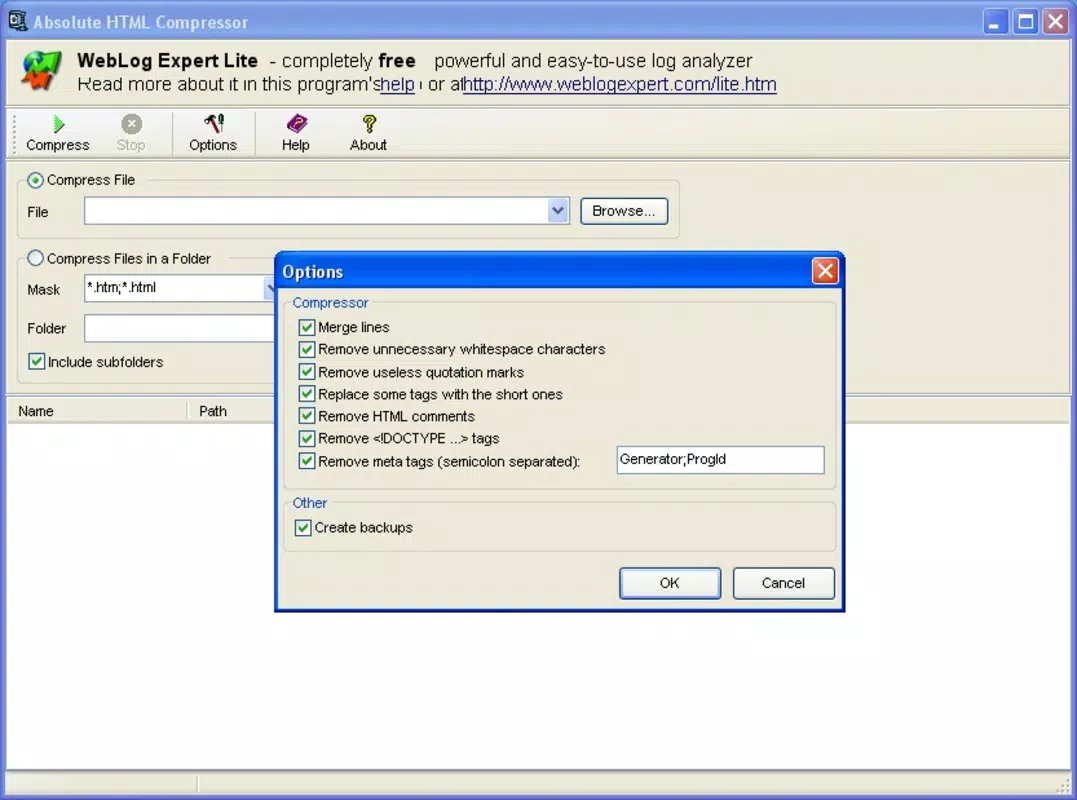
- Whitespace and Tag Removal: The tool identifies and eliminates unnecessary spaces, line breaks, and comments that do not affect rendering. It also strips out redundant or empty tags, resulting in a cleaner, more efficient code structure.
- Tag Abbreviation: Certain HTML tags are shortened to their minimal form (e.g., instead of ), further reducing file size while maintaining compatibility across browsers.
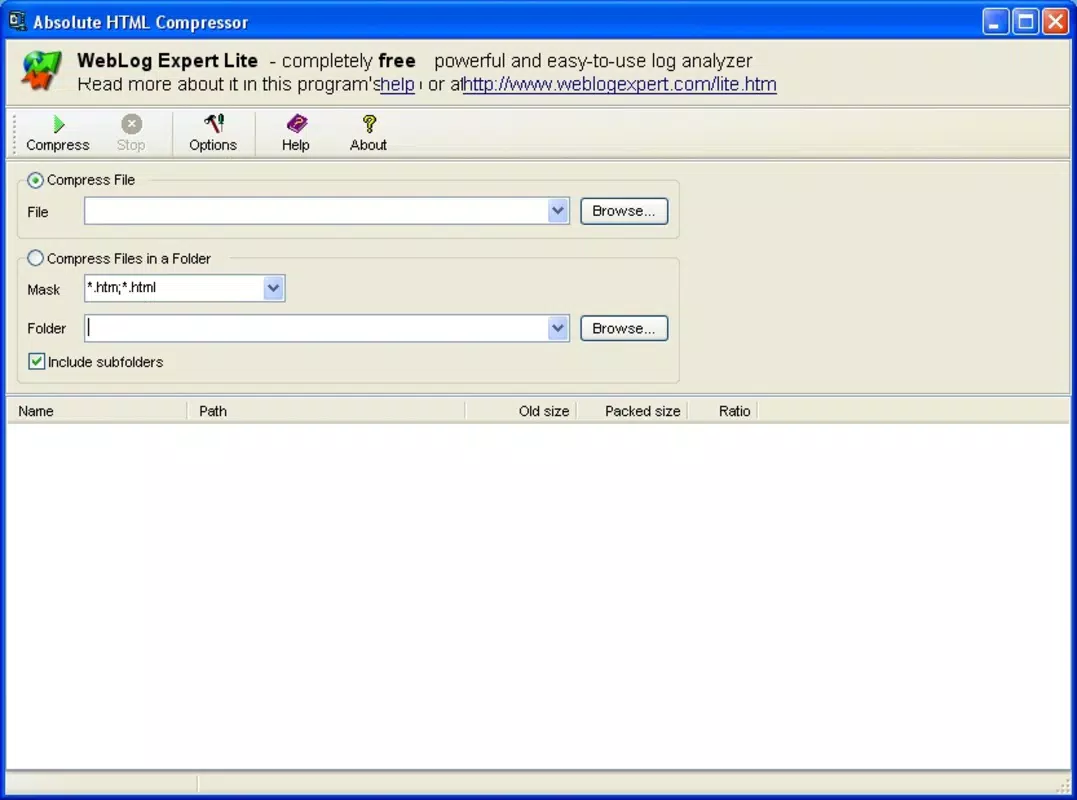
- User-Friendly Interface: Designed with simplicity in mind, the interface allows users to load files, initiate compression, and save results with minimal steps. This accessibility makes it usable by both beginners and experienced developers.
For example, a developer preparing a static website for deployment might use the tool to compress multiple HTML files before uploading. Another use case involves optimizing legacy code from older projects to improve performance on mobile devices. The tool’s ability to process files quickly and reliably makes it a valuable addition to any development workflow.
Interface, UX & Performance
While specific UI details are not provided, the application is described as having a user-friendly interface, suggesting intuitive layout and clear navigation. The design appears focused on functionality, prioritizing file input, compression execution, and output management. Users can likely drag and drop files or browse through directories to select documents for processing.
Navigation is expected to be straightforward, with minimal steps required to complete a compression task. The absence of complex settings indicates a streamlined experience, ideal for users seeking quick results without configuration overhead. Although the developer did not list formal performance metrics, the application’s lightweight nature—only 1.2 MB in size—suggests efficient resource usage.
Performance is likely consistent across different device categories, given its minimal footprint and targeted purpose. Responsiveness should be immediate, especially for small to medium-sized HTML files. Stability is implied by the tool’s long availability since 2006, though no crash reports or error logs were disclosed. Overall, the user experience centers on simplicity, speed, and reliability.
Platform Compatibility & Technical Requirements
Absolute HTML Compressor is designed for the Windows platform. The application runs on Windows operating systems, though specific OS versions were not listed. The software version is 1.0, indicating a stable, mature release. The file size is 1.2 MB, which is compact and suitable for quick downloads and installations.
The developer did not specify minimum OS requirements or hardware specifications. Compatibility information was not fully disclosed. However, the small file size and long-standing availability suggest broad compatibility with standard Windows systems, including older versions. Users should verify system requirements through official channels if available.
Pros and Cons
Pros
- Free to download and use, making it accessible for developers on any budget.
- Lightweight at only 1.2 MB, ensuring fast installation and minimal system impact.
- Preserves full functionality of compressed HTML files, reducing risk of errors.
- Simple interface suitable for users of all experience levels.
- Effective file size reduction enhances web performance and load speed.
Cons
- Platform limited to Windows; no information on availability for macOS or Linux.
- Specific OS compatibility details were not provided.
- Version 1.0 may lack modern UI enhancements or integration with current development tools.
- No official update history or release notes were shared.
- Support for batch processing or advanced settings was not confirmed.
FAQ
Is Absolute HTML Compressor safe to download?
The application is free and has been available since 2006. While no third-party security verification was provided, its long-standing presence suggests a stable and secure distribution.
Can I use this tool on macOS or Linux?
The developer did not list support for macOS or Linux. The app is confirmed for Windows only.
Does the tool modify the visual appearance of my website?
No. Absolute HTML Compressor preserves the functionality and appearance of HTML files. The visual output remains unchanged after compression.
How often is the app updated?
The developer did not provide update history or release notes. The current version is 1.0, released in 2006.
Is the tool suitable for beginners?
Yes. The user-friendly interface makes it accessible even to those with limited coding experience.
Final Thoughts + CTA
Absolute HTML Compressor remains a reliable, no-frills solution for developers seeking to optimize HTML files for improved web performance. Its ability to reduce file size while maintaining full functionality makes it a valuable asset in the development toolkit. Though limited to Windows and lacking modern features, its simplicity, low resource usage, and free access offer strong value for users focused on code efficiency.
Whether you're refining a personal project, optimizing a client site, or enhancing SEO performance, this tool delivers tangible benefits without complexity. For developers who prioritize speed, cleanliness, and reliability in their workflow, Absolute HTML Compressor stands out as a dependable choice.
Download Absolute HTML Compressor now


